MEPCO Bill Payment Online – How to Pay and Confirm Your Bill
Checked your bill and want to pay it without standing in a queue? MEPCO bill payment takes a few minutes on your phone through a bank app or a mobile wallet such as JazzCash or Easypaisa. All you need is the 14-digit reference number printed on your bill. This guide explains each payment method, what to check before you pay and how to confirm that the payment was recorded.
In this guide:
- What you need before you pay
- MEPCO bill payment through a bank app
- Pay with JazzCash
- Pay with Easypaisa
- Other ways to pay
- Paying after the due date
- How to check if your bill is paid
- Safety tips
- Frequently asked questions
What You Need Before You Pay
Online MEPCO bill payment works the same way in every app. You enter your reference number, the app fetches your bill from the billing system, and you confirm the payment. Keep these ready:
- Your 14-digit reference number. It is printed near the top of every bill. If you have lost it, see how to find your reference number with CNIC.
- The payable amount and due date. Open our MEPCO bill check page first to see your latest bill.
- Enough balance in your bank account or mobile wallet to cover the bill and any service charge.
We are an independent information website and do not collect payments. You pay only inside your own bank or wallet app.
MEPCO Bill Payment Through a Bank App
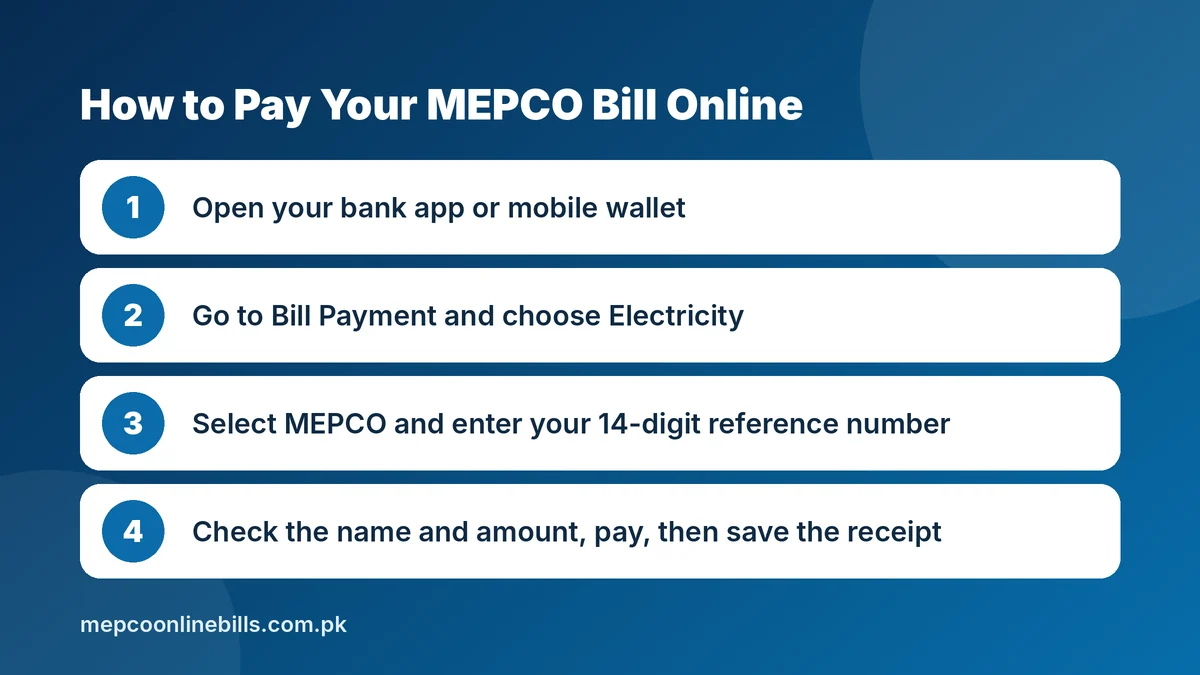
Most banks in Pakistan list MEPCO as a biller in their mobile app and internet banking. Menu names differ from bank to bank, but the steps are similar:
- Log in to your bank’s mobile app or internet banking.
- Open the bill payment section. It is usually named Payments, Bill Payment or Utility Bills.
- Choose Electricity, then select MEPCO from the list of companies.
- Enter your 14-digit reference number without spaces or dashes.
- Check the consumer name, amount and due date shown by the app.
- Confirm the payment and save the receipt or transaction ID.
Many apps let you save the reference number, so next month you only need to open the saved bill and confirm.
How to Pay a MEPCO Bill With JazzCash
- Open the JazzCash app and tap Bill Payments on the home screen.
- Choose the Electricity category.
- Select MEPCO as the biller company.
- Enter your reference number.
- Check and confirm the payment details.
- Enter your 4-digit MPIN to complete the payment.
JazzCash confirms the payment in the app and by SMS. Its bill payment page says standard service charges apply, so read any fee shown on the confirmation screen before you approve. If you do not use the app, JazzCash also offers bill payment through its *786# menu and at JazzCash retailers.
How to Pay a MEPCO Bill With Easypaisa
- Log in to the Easypaisa app.
- Tap Bill Payments.
- Select Electricity as the bill type.
- Choose MEPCO from the company list.
- Enter your reference number and check the bill details that appear.
- Confirm the payment and keep the confirmation message.
These steps follow the Easypaisa bill payments page. App layouts change with updates, so if a menu looks different, search for “MEPCO” or “electricity bill” inside the app.
Other Ways to Pay Your MEPCO Bill
Prefer to pay in cash, or do not have a smartphone? These options also work:
- Bank branch: take your paper bill or a clear printout of your MEPCO duplicate bill to a branch that collects electricity bills, and keep the stamped portion as proof.
- ATM: many bank ATMs include a bill payment option where you enter the reference number.
- Post office: post offices that collect utility bills accept the printed bill.
- NADRA e-Sahulat franchise: bring the bill and the cash. The operator pulls up your bill by reference number and gives you a payment receipt.
- JazzCash or Easypaisa shop: a retailer can pay the bill for you. Wait for the confirmation SMS or receipt before you leave.
Paying After the Due Date
Every MEPCO bill prints two amounts: the amount payable within the due date and a higher amount payable after the due date. The difference is the late payment surcharge. If you pay after the due date, expect to be charged the higher amount.
A bill that is not paid at all is carried forward and appears as arrears on the next bill. To estimate what next month may cost, use the MEPCO bill calculator.
How to Check If Your MEPCO Bill Is Paid
- Keep the proof. Save the app receipt, transaction ID or SMS, or the stamped bill if you paid at a counter.
- Check your transaction history. Before paying again, look in the app’s history so you do not pay the same bill twice.
- Check the bill history. Each bill carries a history table that lists the payment received for previous months. Our MEPCO old bill check guide shows how to read it.
A payment does not always show in the billing record straight away. If it is missing from your next bill, or the paid amount appears as arrears, contact MEPCO with your receipt. Our MEPCO complaint number guide lists the helpline numbers and the online method.
Safety Tips for MEPCO Bill Payment
- Pay only through banks, official apps and authorised collection points.
- Never send bill money to an individual’s personal account. The official complaint portal warns consumers against such requests through Easypaisa, JazzCash or direct bank transfer.
- Read the consumer name in the app before you confirm. One wrong digit can pay someone else’s bill.
- Never share your MPIN, OTP or card PIN, even with a caller who claims to be from MEPCO or your bank.
- Keep the receipt until the payment appears in your bill history.
Frequently Asked Questions
Can I pay my MEPCO bill online without the paper bill?
Yes. You only need the 14-digit reference number. The app fetches the current bill from the billing system. You can also view the bill on the official bill page before paying.
Is there a fee for MEPCO bill payment online?
It depends on the channel. Some banks and wallets charge nothing and others apply a small service charge. Any fee is shown before you confirm.
Can I pay a MEPCO bill after the due date?
Yes. You will be charged the after-due-date amount printed on the bill.
Can I pay someone else’s MEPCO bill?
Yes. Enter their reference number and check the consumer name before you confirm.
I paid the same bill twice. What should I do?
Keep both receipts, contact your MEPCO subdivision office or the helpline, and ask for the extra amount to be adjusted.
How long does a payment take to show on the bill?
The app confirms the payment at once, but the billing record can take longer to update. The payment column in the history table of your next bill is the reliable check.