LESCO Bill Check Online 2026
Enter your 14-digit Reference Number to open your latest LESCO electricity bill. See the amount and due date, then print or save your duplicate bill.
Check Your LESCO Bill
Enter your bill information below
What Is the LESCO Bill?
LESCO stands for the Lahore Electric Supply Company. It is the government-owned company that distributes electricity in five districts of Punjab: Lahore, Kasur, Okara, Sheikhupura and Nankana Sahib. Every month LESCO issues an electricity bill for each connection, whether it is a home, a shop, a factory or a tube well.
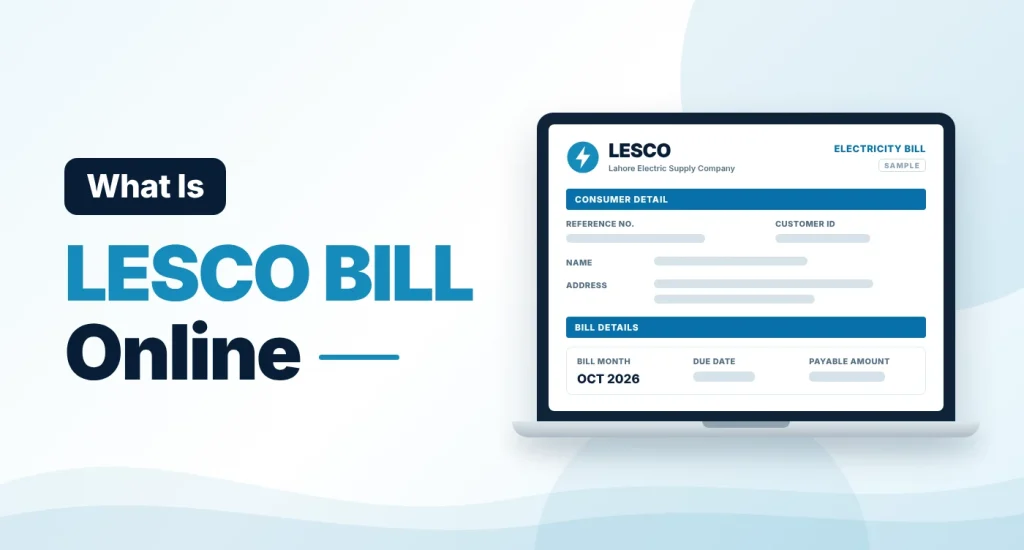
The LESCO bill shows how many units your meter recorded during the billing month and how much you have to pay. People also call it the LESCO online bill, LESCO duplicate bill, LESCO web bill or WAPDA bill. All of these names refer to the same monthly bill, and you can open it on this page with your reference number.
LESCO Online Bill Check 2026
You do not have to wait for the paper bill to reach your door. Once LESCO issues the bill for the month, it is available online. Enter your 14-digit reference number in the tool above and click “Check Bill”. The bill opens on the PITC bill page, which is the billing system used by LESCO and the other distribution companies.
The online copy shows the same amount, due date and charges as the printed bill. This helps when the paper bill is late, lost or damaged, and it lets you check a bill for your home, shop or rented property from anywhere.
How to Check Your LESCO Bill Online — 3 Easy Steps
Checking your LESCO bill takes less than a minute. Follow these three steps.
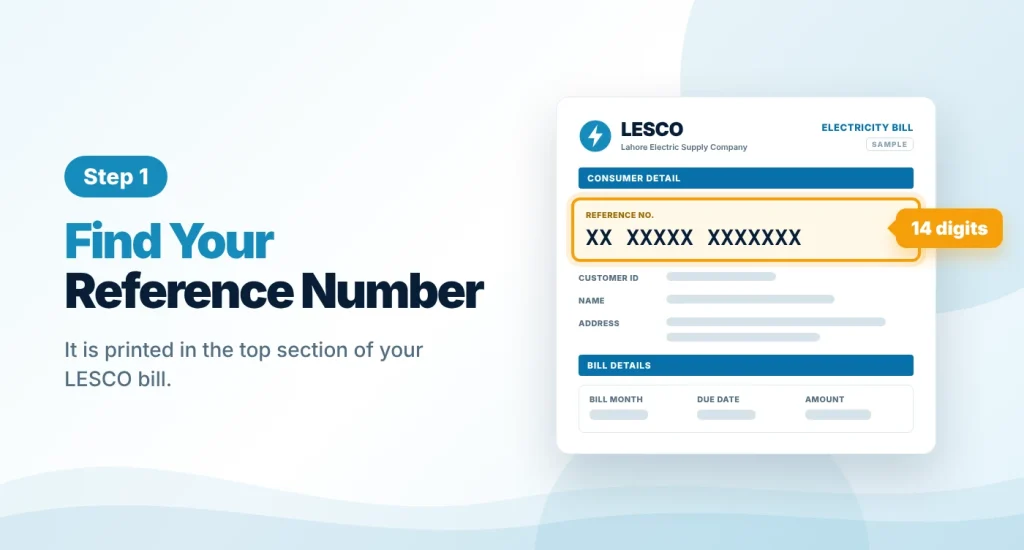
Find Your Reference Number
Take any old LESCO bill and look at its top section. The 14-digit Reference Number is printed there, labelled “Reference No”. Your Customer ID from the same bill also works on the bill portal.
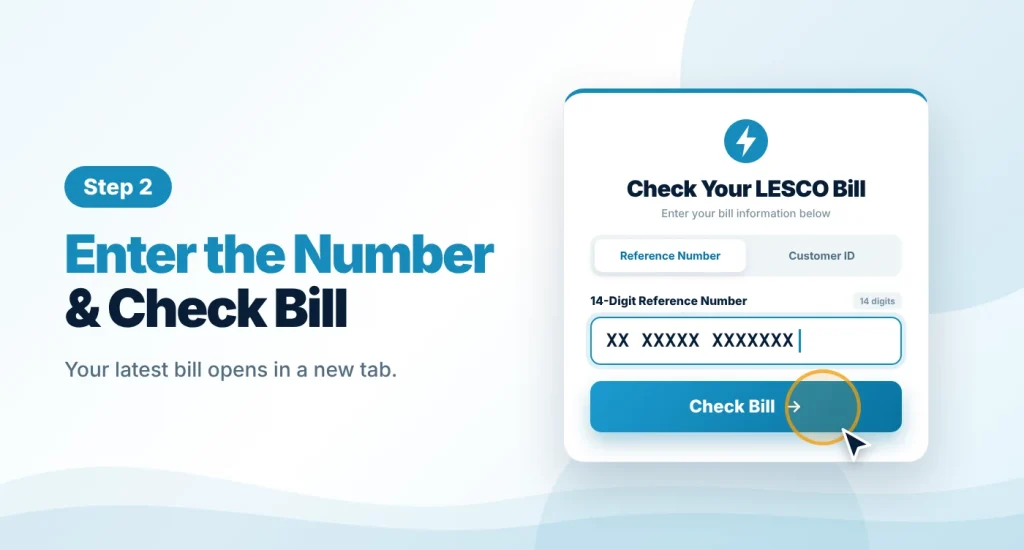
Enter the Number and Check
Type the number in the tool at the top of this page, without spaces or dashes, and click “Check Bill”. Your latest LESCO bill opens in a new tab.
Save, Print or Pay
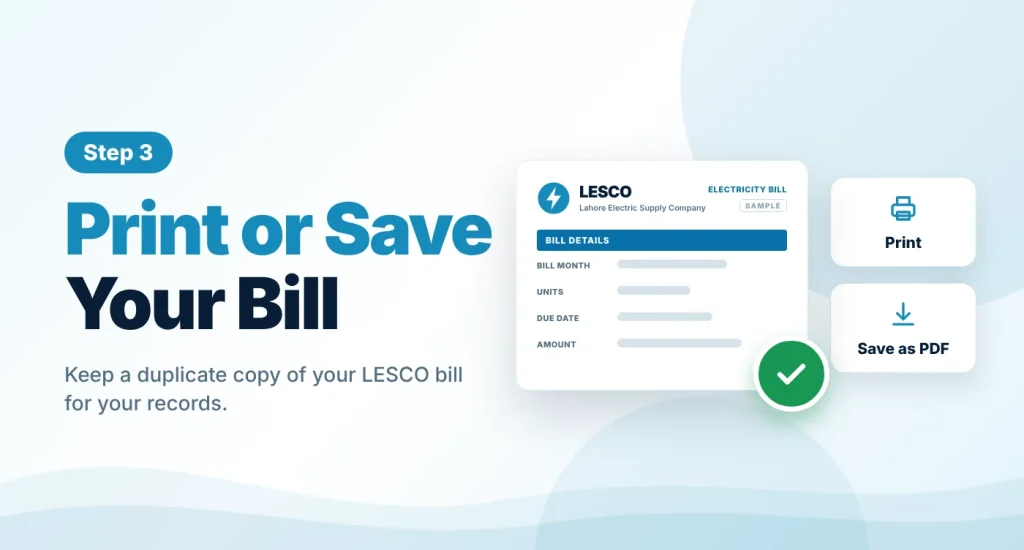
Read the payable amount and due date first. Then use the print option of your browser to print the bill, or choose “Save as PDF” to keep a copy for your records or for payment at a bank.
LESCO Bill Calculator 2026
This is an estimate only. Your actual LESCO bill may differ because of arrears, income tax for non-filers, lifeline or time-of-use tariffs and other adjustments. Rates last checked in October 2026.
The LESCO bill calculator gives you an estimate before the real bill arrives. Enter the units you have used, choose your consumer type and press the button. It applies the domestic tariff that NEPRA approved in February 2026, then adds the fuel price adjustment, the quarterly adjustment, the FC surcharge and 18% GST. Your actual bill can differ, because it may also include arrears, income tax for non-filers or other adjustments.
LESCO Unit Rates 2026
LESCO charges the same domestic tariff as every other government distribution company. These rates have applied since February 2026. A protected consumer is one who has used 200 units or less in each of the last six months.
| Units per Month | Rate per Unit | Fixed Charge (per kW) |
|---|---|---|
| Protected, 1–100 | Rs. 10.54 | Rs. 200 |
| Protected, 101–200 | Rs. 13.01 | Rs. 300 |
| 1–100 | Rs. 22.44 | Rs. 275 |
| 101–200 | Rs. 28.91 | Rs. 300 |
| 201–300 | Rs. 33.10 | Rs. 350 |
| 301–400 | Rs. 36.46 | Rs. 400 |
| 401–500 | Rs. 38.95 | Rs. 500 |
| 501–600 | Rs. 40.22 | Rs. 675 |
| 601–700 | Rs. 41.85 | Rs. 675 |
| Above 700 | Rs. 47.20 | Rs. 675 |
For unprotected consumers, all units are charged at the rate of the slab that the total falls in. On top of these rates, the October 2026 bill carries a fuel price adjustment of Rs. 1.11 per unit and a quarterly adjustment of Rs. 0.52 per unit, which runs until the November 2026 bills. The fuel adjustment changes every month, so update that field in the calculator when a new figure is announced.
What Your LESCO Duplicate Bill Shows
The online bill carries the details of the printed bill. The main ones are:
- Consumer name, address and reference number
- Billing month, meter reading date and issue date
- Previous and present meter readings and the units consumed
- Payable amount within the due date and the amount after the due date
- Taxes, adjustments and other charges that make up the total
- A history table with the bills and payments of previous months
How to Find Your LESCO Reference Number
The reference number is the key to your bill. You can find it in these ways:
- On an old bill: any previous LESCO bill, on paper or as a PDF, shows the same 14-digit reference number.
- In a payment record: a bank receipt or the history of your banking app or mobile wallet usually keeps the number you paid against.
- From LESCO: call the helpline or visit your subdivision office with your CNIC and connection address, and ask the staff for your reference number.
Our tool cannot search for a bill by name, CNIC or meter number, because the billing system only accepts a reference number or a customer ID.
How to Pay Your LESCO Bill
Once you have checked the bill, you can pay it without visiting a LESCO office. Common options are:
- Mobile banking apps and internet banking, under the bill payment or utility bills option
- Mobile wallets such as JazzCash and Easypaisa
- ATMs that offer utility bill payment
- Bank branches and post offices, with a printed copy of the bill
Use the same 14-digit reference number when you pay online, and keep the receipt or a screenshot until the payment shows on your next bill. We do not collect payments on this website.
LESCO Helpline and Complaint Numbers
For power failures, wrong readings, billing mistakes or meter problems, contact LESCO through its official channels. The main contacts are listed below. Numbers can change, so confirm them on the official LESCO website before you rely on them.
| Service | Contact |
|---|---|
| LESCO helpline (24 hours) | 118 |
| Toll-free number | 0800-00118 |
| SMS complaint | 8118 |
| Official website | lesco.gov.pk |
| Head office | 22-A Queens Road, Lahore |
Other Electricity Bills
You can also check the bills of other distribution companies on this website:
- MEPCO bill: Multan Electric Power Company, for South Punjab.
- QESCO online bill: Quetta Electric Supply Company, for Balochistan.
About This Website
This is an independent informational website. It is not the official LESCO website, and it is not affiliated with LESCO or PITC. The tool only takes your reference number and opens your bill on the official bill page. We never ask for your CNIC, password, OTP or bank details. For complaints, new connections and other official services, please use lesco.gov.pk or your nearest LESCO office.
Frequently Asked Questions
Find answers to common questions about checking your LESCO bill online.
01 How can I check my LESCO bill online?
Enter your 14-digit Reference Number in the bill checker at the top of this page and click “Check Bill”.
Your latest LESCO bill opens with the payable amount, due date and units consumed.
02 Is the LESCO online bill check free?
Yes. You can check and print your LESCO bill here without any fee, and you do not need to create an account.
Avoid any website or person that asks for money, a password or an OTP just to show you a bill.
03 How can I download my LESCO duplicate bill?
Open your bill with your reference number, then use the print option of your browser. Choose a printer for a paper copy or “Save as PDF” for a digital copy.
The duplicate bill carries the same details as the bill delivered to your address.
04 Can I check my LESCO bill by CNIC, name or meter number?
No. The billing system only searches by Reference Number or Customer ID.
If you have lost both, look at an old bill or a past payment receipt, or ask LESCO through the helpline 118 or your subdivision office.
05 Where is the reference number on a LESCO bill?
It is printed in the top section of the bill and labelled “Reference No”. It has 14 digits.
The number belongs to your connection, so it normally stays the same every month.
06 How do I check whether my LESCO bill is paid or not?
Open your latest bill and look at the history table. It lists the bill and the payment recorded for each previous month.
A payment made after the current bill was issued appears on the next bill, so keep your bank or app receipt until then.
07 Which areas does LESCO cover?
LESCO supplies electricity in five districts of Punjab: Lahore, Kasur, Okara, Sheikhupura and Nankana Sahib.
If you live in another region, your bill comes from a different company, for example MEPCO in South Punjab or QESCO in Balochistan.
08 What should I do if my LESCO bill looks wrong?
Compare the present reading on the bill with the reading on your meter. If they do not match, or a charge looks incorrect, contact LESCO on 118 or visit your subdivision office with the bill.
This website only displays the bill. It cannot correct or change it.