QESCO Online Bill Check 2026
Check your QESCO online bill with your 14-digit Reference Number. View the amount and due date, then print or save a duplicate bill for your records.
Check Your QESCO Bill
Enter your bill information below
What Is the QESCO Online Bill?
QESCO is the Quetta Electric Supply Company. It supplies electricity to Quetta and almost all of Balochistan, including cities such as Pishin, Chaman, Zhob, Loralai, Sibi, Khuzdar, Turbat, Gwadar and Panjgur. The only part of the province outside its network is Lasbela district, which is served by K-Electric.
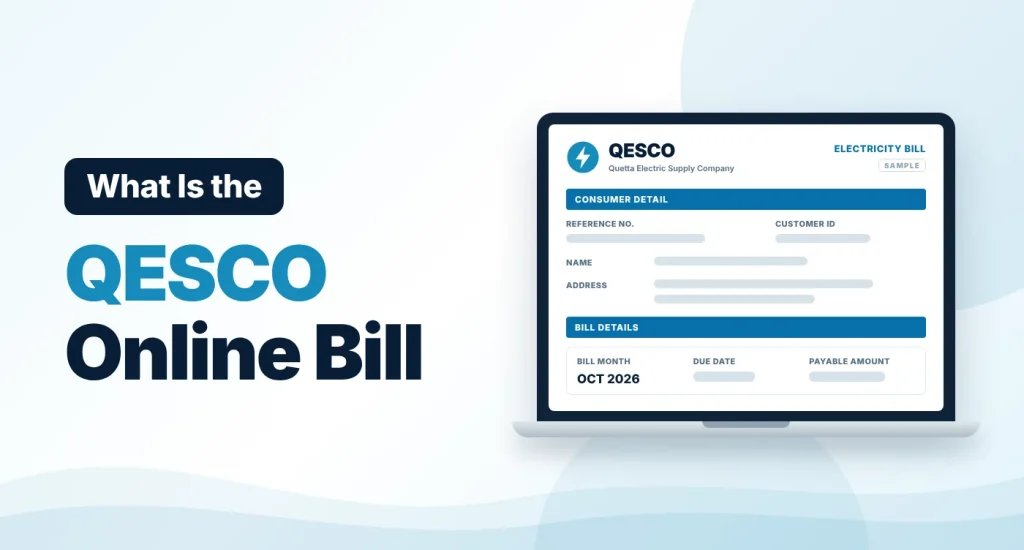
The QESCO online bill is the digital copy of the monthly electricity bill that the company issues to every consumer. It is also known as the QESCO duplicate bill, QESCO web bill or Quetta electric bill. Balochistan is a very large province and paper bills can take time to arrive, so the online bill is often the quickest way to see what you owe.
QESCO Bill Check Online 2026
To check your QESCO bill, enter your 14-digit reference number in the tool above and click “Check Bill”. The bill opens on the PITC bill page, the central billing system that QESCO uses. You do not need an account or a password.
If you prefer, switch to the Customer ID tab. It takes you to the QESCO bill portal, where you can search with the 10-digit Customer ID printed on your bill.
How to Check Your QESCO Online Bill — 3 Easy Steps
You only need your bill number and an internet connection. Here is the process.
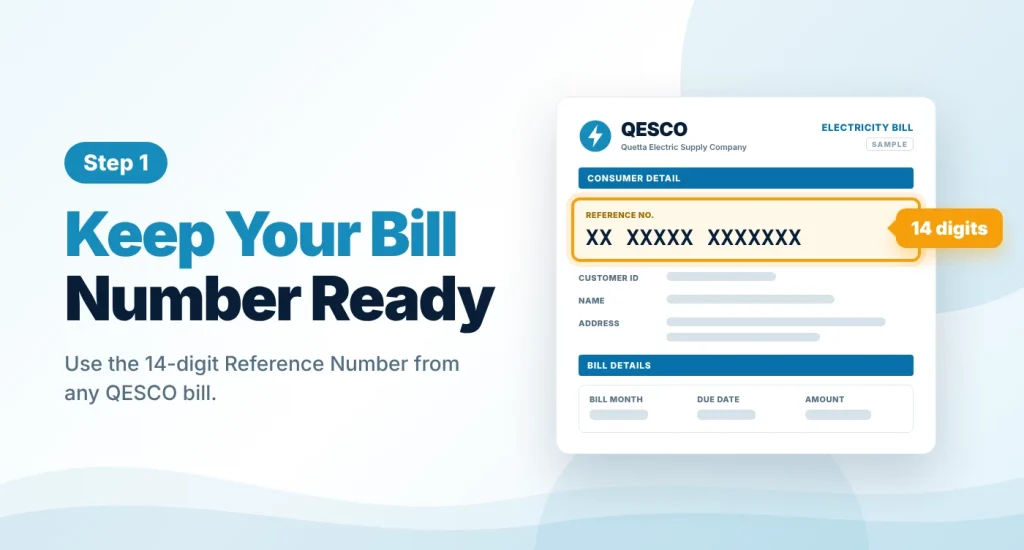
Keep Your Bill Number Ready
Pick up any previous QESCO bill and note the 14-digit Reference Number printed in its top section. The 10-digit Customer ID on the same bill can be used on the bill portal as well.
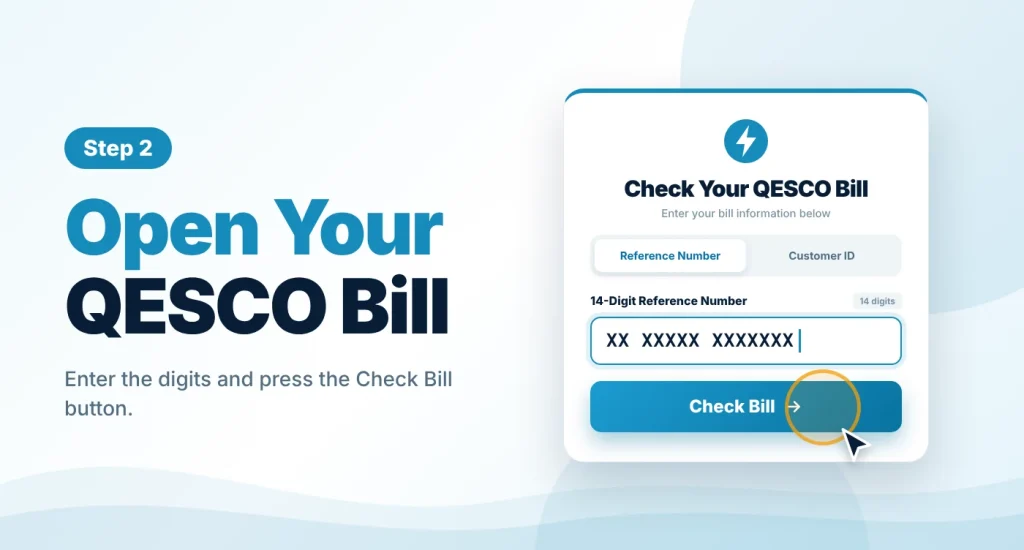
Open Your Bill
Enter the digits in the bill checker on this page and press “Check Bill”. The current QESCO bill loads in a new tab within a few seconds.
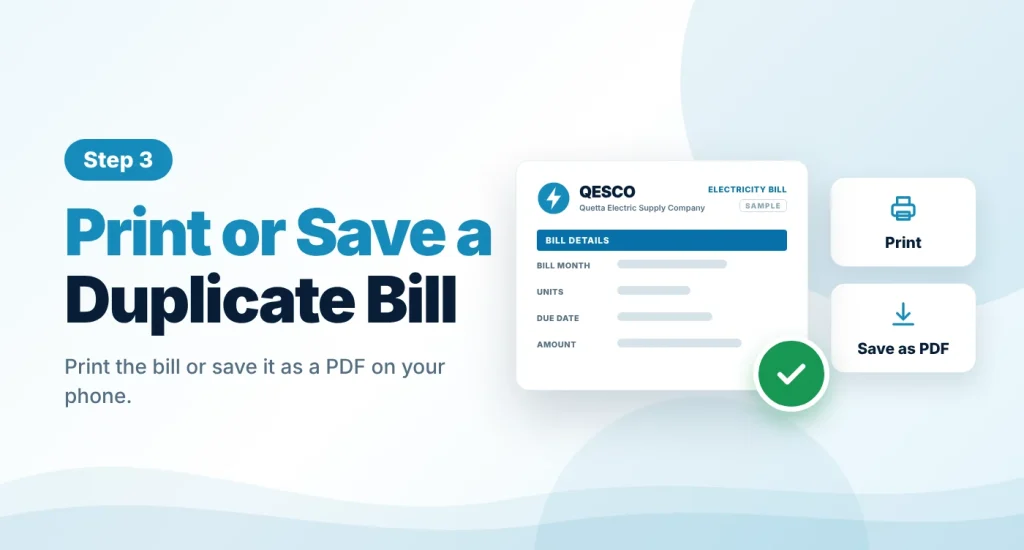
Print or Save a Duplicate Bill
Check the amount and due date, then print the page, or choose “Save as PDF” in the print window to keep a duplicate copy on your phone or computer.
QESCO Bill Calculator 2026
This is an estimate only. Your actual QESCO bill may differ because of arrears, income tax for non-filers, lifeline or time-of-use tariffs and other adjustments. Rates last checked in October 2026.
Use the QESCO bill calculator to estimate your bill from the units on your meter. Enter the units, pick Protected or Unprotected and set your sanctioned load. The calculator applies the current domestic tariff, then adds the fuel price adjustment, quarterly adjustment, FC surcharge and 18% GST. Treat the result as an estimate, since arrears, income tax for non-filers and other adjustments are not included.
QESCO Unit Rates 2026
QESCO bills are based on the uniform domestic tariff that applies across the government distribution companies. The current rates took effect in February 2026. A connection counts as protected when its monthly use has stayed at 200 units or below for the last six months.
| Units per Month | Rate per Unit | Fixed Charge (per kW) |
|---|---|---|
| Protected, 1–100 | Rs. 10.54 | Rs. 200 |
| Protected, 101–200 | Rs. 13.01 | Rs. 300 |
| 1–100 | Rs. 22.44 | Rs. 275 |
| 101–200 | Rs. 28.91 | Rs. 300 |
| 201–300 | Rs. 33.10 | Rs. 350 |
| 301–400 | Rs. 36.46 | Rs. 400 |
| 401–500 | Rs. 38.95 | Rs. 500 |
| 501–600 | Rs. 40.22 | Rs. 675 |
| 601–700 | Rs. 41.85 | Rs. 675 |
| Above 700 | Rs. 47.20 | Rs. 675 |
Unprotected consumers pay the rate of their slab on all units, not only on the extra units. The October 2026 bill also includes a fuel price adjustment of Rs. 1.11 per unit, and a quarterly adjustment of Rs. 0.52 per unit applies until the November 2026 bills. Because the fuel adjustment changes each month, replace the value in the calculator when a new one is notified.
Details Shown on a QESCO Duplicate Bill
When the bill opens, you will see the same details that appear on the paper copy:
- Name, address and reference number of the consumer
- Connection type (tariff) and meter number
- Previous reading, present reading and units consumed
- Billing month, issue date and due date
- Amount payable within the due date and after the due date
- Government charges, taxes and adjustments
- A month-by-month record of earlier bills and payments
Lost Your QESCO Reference Number?
You cannot open a bill without the reference number or customer ID, but both are easy to recover:
- Check an older bill. The reference number does not change from month to month, so any earlier QESCO bill will have it.
- Look at a past payment. A bank receipt, banking app or mobile wallet history normally shows the number the bill was paid against.
- Ask QESCO. Visit your local QESCO office with your CNIC and address details, or call the helpline, and request your reference number.
QESCO Bill Payment Methods
After checking the amount, you can pay your QESCO bill in several ways:
- Banking apps and internet banking, through the bill payment option
- Mobile wallets such as JazzCash and Easypaisa, in the app or at a nearby agent
- ATMs that support utility bill payment
- Bank branches and post offices, with a printed duplicate bill
Pay before the due date to avoid the late payment surcharge, and keep the receipt until the payment appears on your next bill. This website does not accept bill payments.
QESCO Helpline and Contact Numbers
For load-shedding complaints, faulty meters, wrong readings or billing errors, contact QESCO directly. The main contacts are given below. Please confirm them on the official QESCO website, as numbers can change.
| Service | Contact |
|---|---|
| QESCO helpline | 118 |
| SMS complaint | 8118 |
| Head office phone | 081-9201445 |
| Head office address | Zarghoon Road, Quetta |
| Official website | qesco.com.pk |
Other Electricity Bills
This website also covers the bills of other electricity companies:
- MEPCO bill: Multan Electric Power Company, for South Punjab.
- LESCO bill: Lahore Electric Supply Company, for Lahore and nearby districts.
About This Website
This website is independent. It is not run by QESCO or PITC, and it is not the official QESCO website. The bill checker sends your reference number to the official bill page and nothing else. We do not ask for your CNIC, password, OTP or bank details. For complaints, new connections and other official services, please use qesco.com.pk or your nearest QESCO office.
Frequently Asked Questions
Find answers to common questions about the QESCO online bill.
01 How do I check my QESCO bill online?
Type your 14-digit Reference Number in the bill checker above and press “Check Bill”.
The bill for the current month opens with the amount payable, the due date and your units.
02 Is it free to check the QESCO online bill?
Yes. Viewing, saving and printing your QESCO bill costs nothing, and no registration is required.
You only need the number printed on your bill.
03 How can I get a QESCO duplicate bill?
Open your bill on this page and print it, or save it as a PDF from the print window. That copy is your duplicate bill.
It shows the same information as the paper bill, so you can use it when the original is lost or has not arrived.
04 Can I check my QESCO bill without a reference number?
You can use the 10-digit Customer ID instead. Select the Customer ID tab in the tool to continue to the QESCO bill portal.
A bill cannot be searched by name, CNIC or mobile number. If you have neither number, ask your QESCO office or call 118.
05 Which areas does QESCO serve?
QESCO supplies electricity to Quetta and almost all of Balochistan, including Pishin, Chaman, Zhob, Loralai, Sibi, Khuzdar, Turbat, Gwadar and Panjgur.
Lasbela district is the exception. It is served by K-Electric.
06 How can I pay my QESCO bill online?
Open the bill payment section of your banking app, internet banking or a mobile wallet such as JazzCash or Easypaisa, select QESCO and enter your reference number.
Check the name and amount shown before you confirm, and save the receipt.
07 Why is my QESCO bill not opening?
First make sure you entered all 14 digits correctly, without spaces. If the number is right, the bill for the new month may not have been issued yet, or the billing server may be busy.
Try again after some time. If the problem continues, contact QESCO.
08 Is this the official QESCO website?
No. This is an independent website that helps you reach your bill quickly. The official website of the company is qesco.com.pk.